Interactive benchmark metrics with ggWebGL
Source:vignettes/interactive-benchmarks.Rmd
interactive-benchmarks.RmdPurpose
ggWebGL includes manual benchmark helpers for measuring
browser rendering behavior across representative scene types. These
helpers are diagnostic: rows without browser metadata are not complete
browser measurements, and fixed performance numbers should not be
reported from incomplete rows.
Status. Compact transport, progressive upload
metadata, and browser metric helpers are Experimental
diagnostics. They support local measurement and smoke testing, not
public fixed-FPS claims.
The benchmark scripts are not run automatically by package checks.
They write only to an explicit output_dir or
tempdir().
Metric Schema
The scene benchmark helper records a stable set of columns so local browser runs can be compared without changing downstream analysis code.
benchmark_scene_columns()
#>  [1] "scene_id"                   "package_version"
#>  [3] "commit_sha"                 "dataset_size"
#>  [5] "primitive_counts"           "transport_mode"
#>  [7] "serialized_bytes"           "artifact_bytes"
#>  [9] "startup_latency_ms"         "first_interactive_frame_ms"
#> [11] "selection_latency_ms"       "median_frame_time_ms"
#> [13] "p95_frame_time_ms"          "median_fps"
#> [15] "p95_fps"                    "memory_used_mb"
#> [17] "browser"                    "browser_version"
#> [19] "gpu_renderer"               "device"
#> [21] "os"                         "pixel_width"
#> [23] "pixel_height"               "interaction"
#> [25] "artifact_html"              "artifact_csv"
#> [27] "status"                     "created_at"
The most important groups are:
- scene identity and package metadata;
- payload and artifact sizes;
- startup and browser frame timings;
- browser, device, GPU, and pixel-size metadata;
- artifact paths and completion status.
Manual Dense Embedding Run
The dense embedding helper builds a deterministic million-point scene
using compact point transport, progressive upload metadata, the
density_splat shader, and rectangular brush selection.
source(system.file("examples", "htmlwidget", "million-point-embedding.R", package = "ggWebGL"))
run_manual_million_point_embedding()
Scene-Type Metrics
Use benchmark_scene_types() to produce a CSV with one
row per scene. Browser metrics are populated only when a browser capture
path is explicitly requested and available.
source(system.file("benchmarks", "benchmark-scene-types.R", package = "ggWebGL"))
metrics <- benchmark_scene_types(
  output_dir = tempdir(),
  scenes = c("embedding", "trajectories", "surface_mesh", "workflow"),
  point_count = 1000000L,
  include_browser = FALSE
)
metrics[, c("scene_id", "serialized_bytes", "artifact_bytes", "status")]
Workflow Comparison
A useful smoke check is whether the same data mapping can be
inspected both as a static ggplot2 graphic and as a
browser-native WebGL widget. The reduced example below uses
deterministic in-memory data.
workflow_comparison_plot(800L)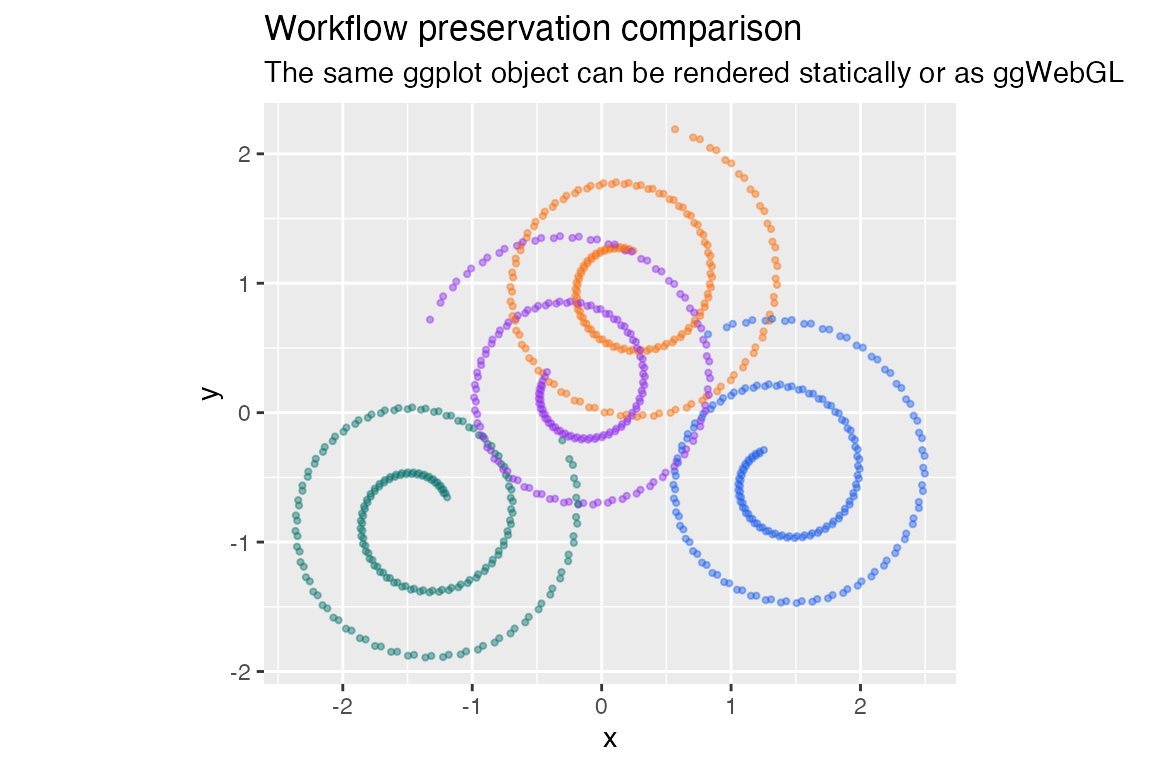
workflow_comparison_widget(800L, height = 360)